Purchase History
-
Open the App Store.
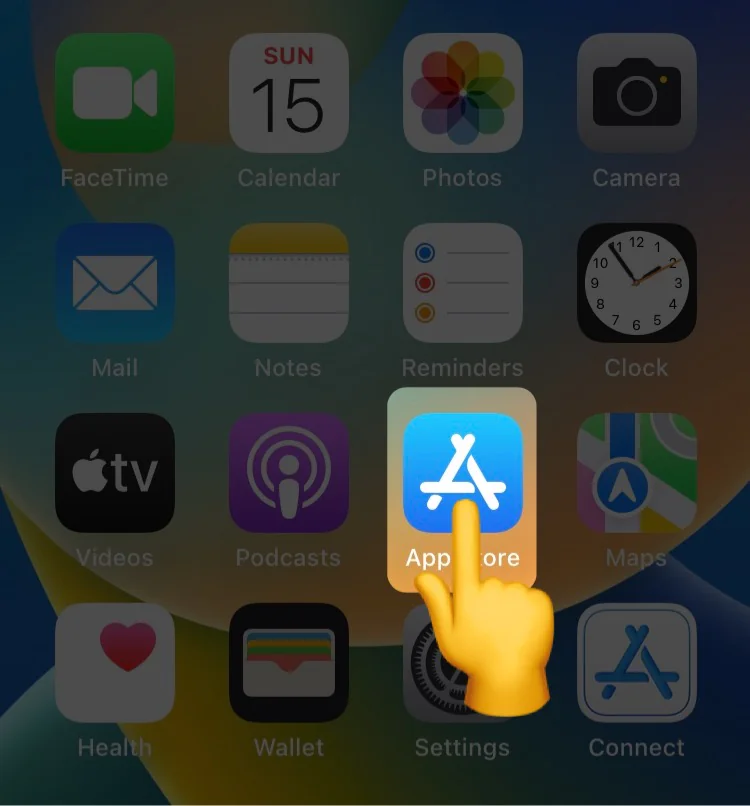
-
Tap the user profile picture at the top to enter the account page.

-
Tap the user profile picture again to enter the account settings page.
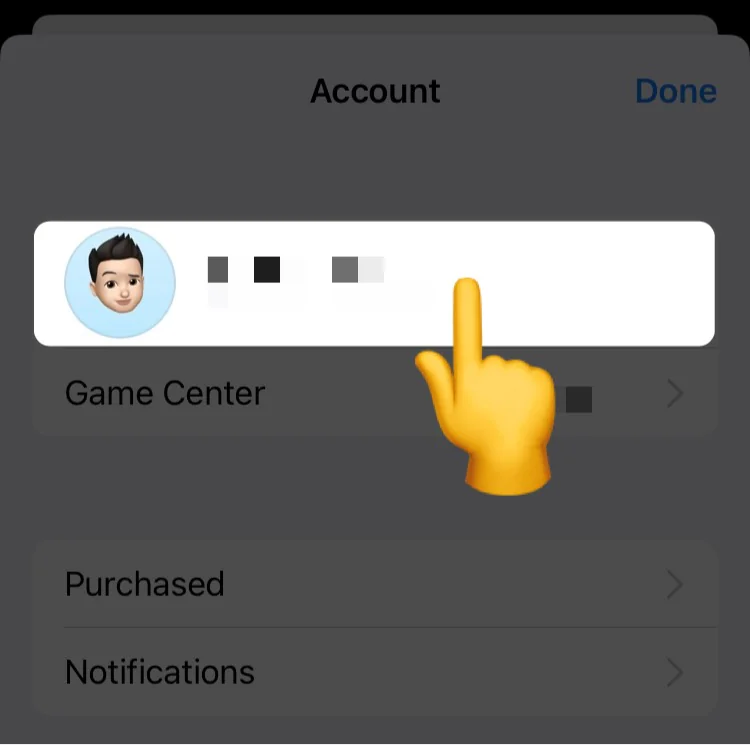
-
On the account settings page, tap Purchase History.
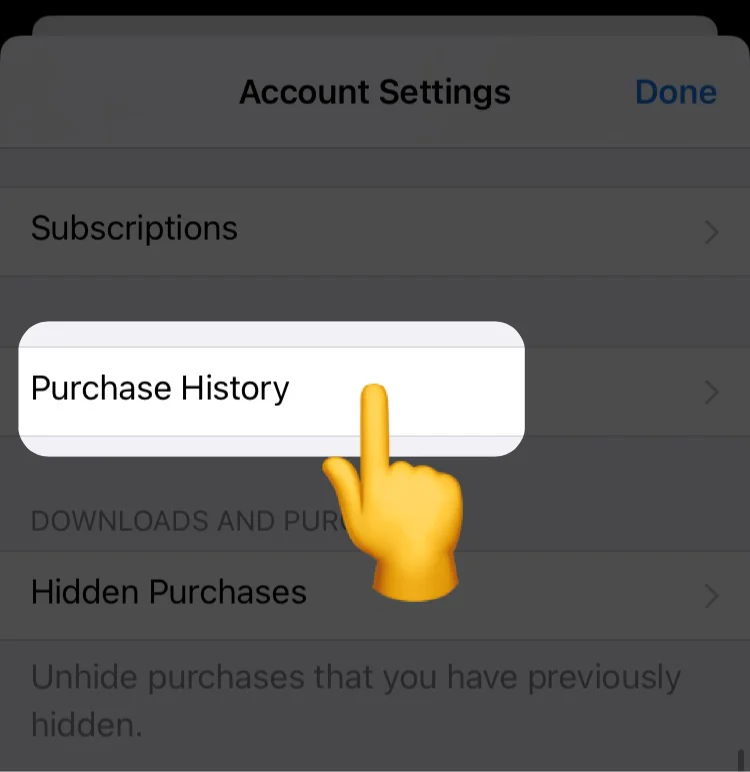
-
Find the in-app purchase items of Picsew, the download record of the app will also appear in the purchase history, please pay attention to the distinction.
🔥 Apple usually emails you a receipt when you make a purchase. Search your email for “Picsew” to quickly find the approximate purchase date, then use that date to narrow down the records in Purchase History.